How to Write a Photography Invoice
This photography invoice guide shows how to bill session coverage, editing, licensing, and print products clearly. Use it to set expectations before delivery and get paid faster.
Generate a Photography Invoice
Create a photography invoice quickly, then adapt it for weddings, portraits, or commercial shoots.
How to Create a Photography Invoice
To create a photography invoice, start with your business and client details, add the specific services or products you delivered, then finish with totals, payment terms, and a due date. This structure works well for photographers, studios, and commercial creators.
1. Add the basics
Include your business name, contact information, invoice number, invoice date, due date, and the client or property details tied to the work.
2. Itemize the work clearly
- Session coverage, shooting hours, and assistant labor
- Editing, retouching, album design, and rush delivery
- Licensing rights, print products, and digital add-ons
3. Show totals and payment terms
List subtotals, taxes, deposits, credits, or adjustments separately, then add the total due, accepted payment methods, and any late-fee language you use.
Need the general invoice workflow too?
Read the full guide on how to create invoices, then use the generator to build a photography invoice faster.
Step-by-Step Photography Invoice Guide
Define the shoot package
List shoot type, duration, location, and included deliverables.
Separate shooting and editing
Bill capture time and post-production work on distinct lines.
Add licensing and usage terms
Specify whether usage is personal, editorial, or commercial.
Itemize prints and products
Break out albums, print sets, framing, or digital add-ons.
Track retainer and remaining balance
Show booking retainer received and remaining amount due.
Set delivery and payment milestones
Reference gallery delivery timeline and final payment terms.
Creative Rights And Deliverable Language
Photography invoices should distinguish creative labor from usage rights. Clarify license duration, territory, and media channels to prevent downstream rights disputes.
For print products, separate lab fulfillment from artistic services. Clients understand why proofs, retouching, and print production are billed differently.
Shoot-to-Delivery Billing Inputs
- Shot list scope and scene count commitments
- On-location permit or venue access fees
- Second shooter hours and assistant labor
- Retouching complexity tier and turnaround speed
- Commercial usage territory and time horizon
- Print lab options, paper stock, and finishing
- Rush edit surcharge and delivery deadline
- Client approval timestamp for final gallery handoff
Photography Invoice Tips
- Separate licensing fees from creative service fees.
- Include turnaround time for proofs and finals.
- Document cancellation/reschedule policy in invoice notes.
Common Photography Invoice Mistakes
- No distinction between shoot day and editing work.
- Missing usage-right limitations for client deliverables.
- Print or album fees hidden inside package totals.
Photography Billing FAQ
Should licensing be a separate line?
Yes, separating license fees from session fees improves transparency and legal clarity.
How do I invoice retouching?
Bill retouching as its own post-production line with expected turnaround and revision policy.
Can I charge for travel days?
If agreed in contract, list travel or location logistics as dedicated invoice rows.
What helps clients approve faster?
Clear deliverable count, usage terms, and delivery timeline reduce follow-up questions.
Invoice On the Go
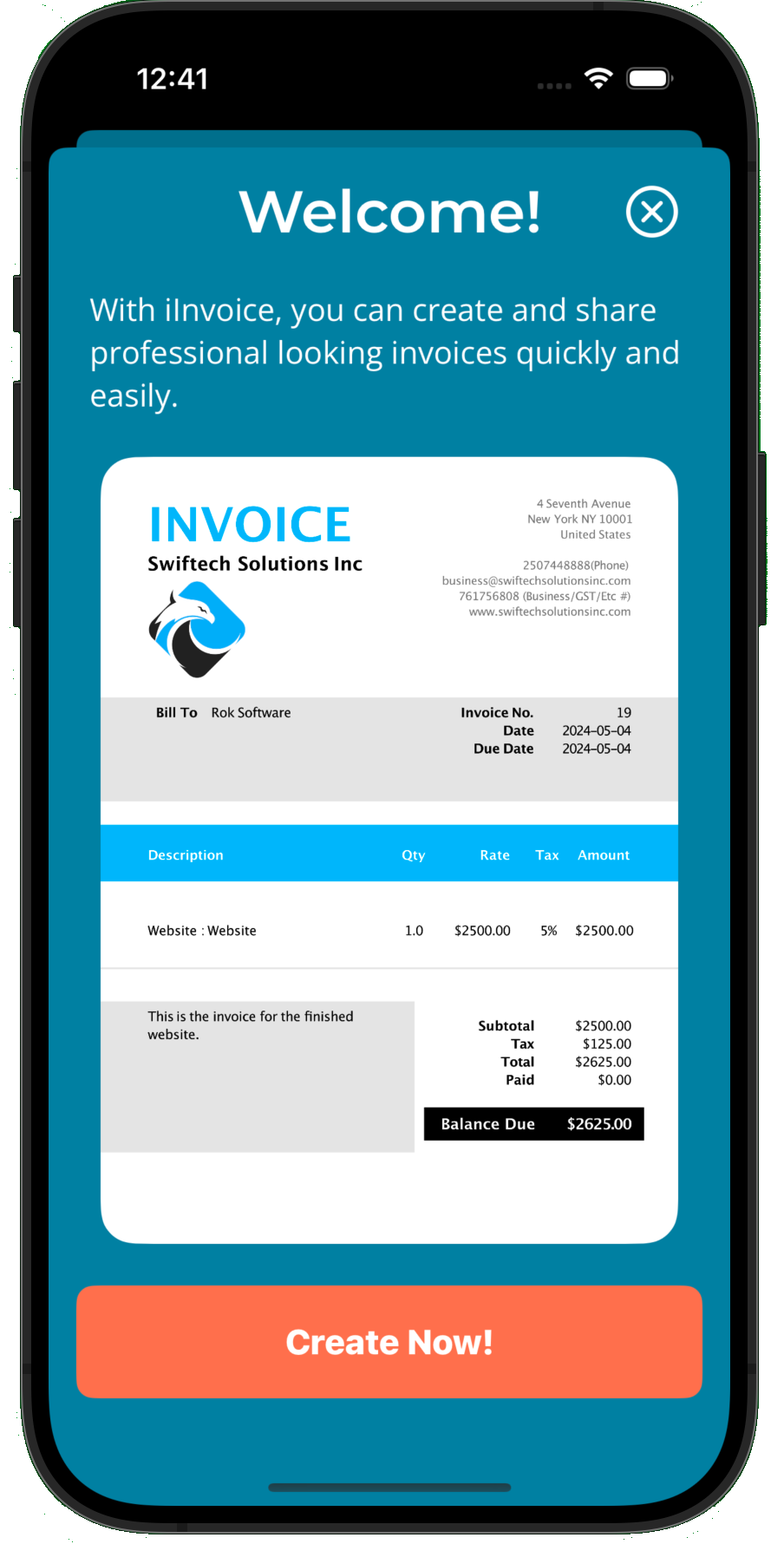
The iInvoice mobile app helps businesses create and send invoices from anywhere in minutes.