Create Invoices with our Invoice Generator
Free Invoice Generator for Freelancers and Small Business
Add your business details, client information, line items, taxes, and payment terms, then download a professional invoice instantly. No sign-up required.
Need the tutorial first? Read our guide on how to create invoices.
How to Create Invoices Online
Simple 3-step process to build, preview, and download a professional invoice
Enter Your Details
Fill in your business information, client details, invoice number, and due date
- Business name & contact
- Client information
- Invoice number & date
Add Line Items
Add products or services with descriptions, quantities, rates, and taxes
- Product/service details
- Quantity & rates
- Automatic calculations
Generate & Download
Preview your invoice, check the totals, and download a ready-to-send PDF
- Real-time preview
- PDF download
- Print ready format
Create a Professional Invoice Now
Fill out the form below to create invoices online in minutes. Download a professional PDF instantly with no sign-up required.
Your Business Information
Client Information
Invoice Details
Line Items
Create Invoices Anywhere
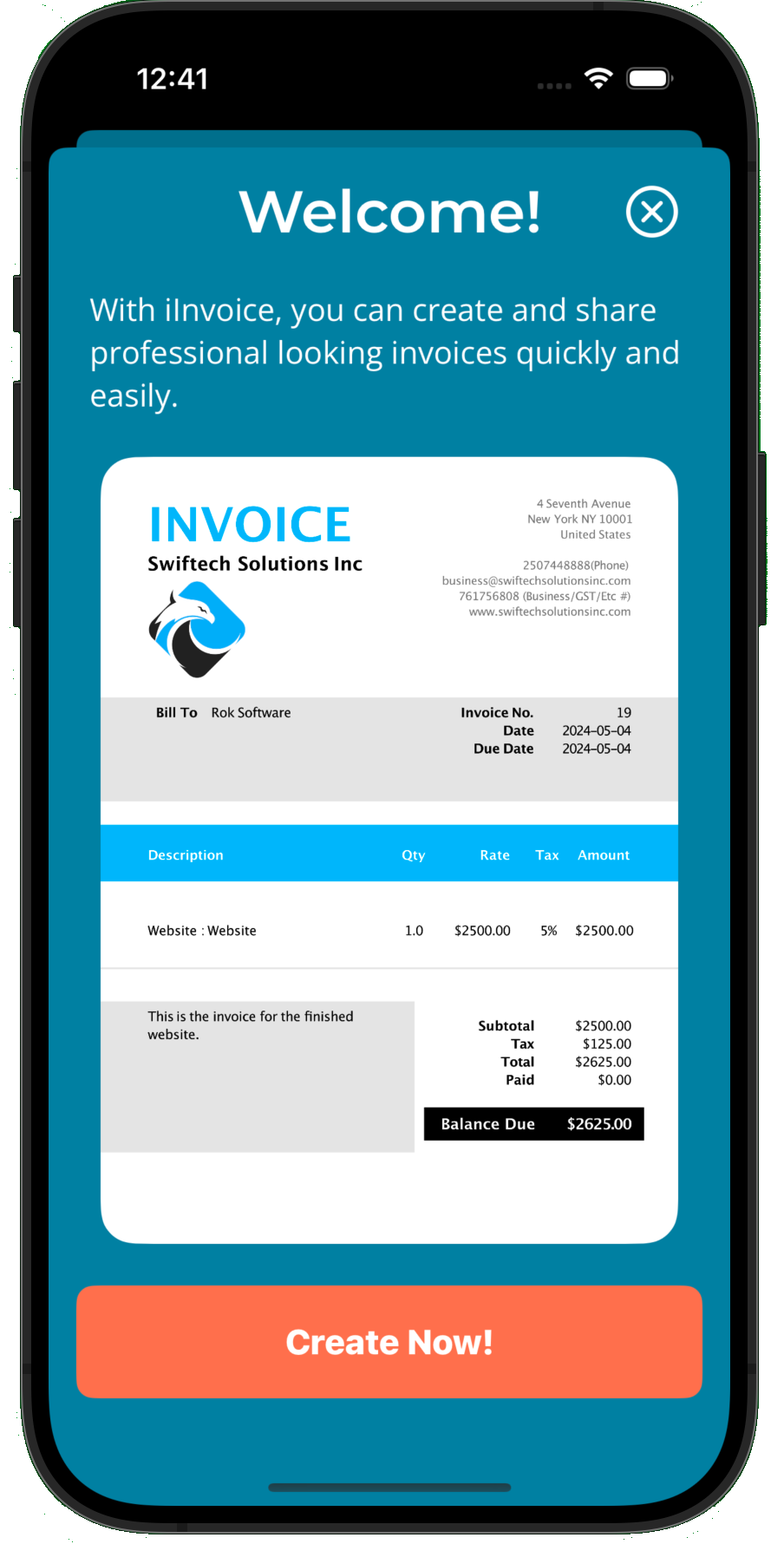
Use the free web generator today, then upgrade to the iInvoice app for saved clients, cloud sync, and faster repeat invoicing.
Create Invoices on Mobile
Build and send professional invoices wherever you work with a mobile-first invoicing experience.
Professional Templates
Start with polished invoice layouts that help your business look credible from the first send.
Cloud Sync
Keep your invoice data synced across devices so you can start on one screen and finish on another.
Offline Access
Create invoices even without internet access, then sync everything once you are back online.
Client Management System
Save client details once and reuse them for future invoices to reduce repetitive admin work.
Recurring Billing Tools
Handle repeat invoicing, estimates, and payment tracking from the same workflow.
Need Saved Invoices and Repeat Billing?
Get the full iInvoice app for client management, cloud sync, repeat invoicing, and unlimited invoice storage.
- Save unlimited invoices
- Client database
- Cloud synchronization
- Sales reports
Invoice Generator FAQ
How do I create invoices online for free?
Enter your business details, client information, invoice date, due date, line items, rates, taxes, and payment terms, then download the finished invoice as a PDF. Our web tool is free to use.
What do I need to create a professional invoice?
You need your business name and contact details, the client name and billing details, an invoice number, invoice date, due date, line items, pricing, tax information if applicable, and payment instructions.
Can small businesses use this invoice generator?
Yes. This tool works well for freelancers, contractors, consultants, and small businesses that need a quick way to create and download professional invoices.
Do I need to create an account?
No. You can create invoices immediately without creating an account or entering payment details.
Can I save my invoices?
The web version lets you generate and download invoices as PDF files. If you want saved invoices, client records, and repeat billing, the iInvoice app is the better option.
What file format can I download?
Invoices are downloaded as PDF files, which are ideal for email, printing, and record keeping.